Essential Unicode Converter for Developers: Debug Character Issues
In the vast, interconnected world of software development, where data flows across diverse systems and languages, one of the most persistent and frustrating challenges developers face is debugging character encoding issues. Often manifesting as "mojibake" – those bizarre sequences of symbols like "ü" or "Ã" – these problems can turn perfectly readable text into an uninterpretable mess. For developers, a reliable Unicode converter isn't just a convenience; it's an indispensable tool for deciphering scrambled text, verifying data integrity, and ensuring applications handle multilingual content flawlessly. Whether you're dealing with a JSON payload, a log file, or user input that mysteriously transforms, understanding and converting Unicode is key to a smooth development workflow. Imagine a user searches for "センムツ ムケット" in your application, only for the backend to receive or store it as garbled nonsense – a Unicode converter helps you pinpoint why.
The Perils of Garbled Text: Why Encoding Goes Wrong
Character encoding errors are not merely aesthetic inconveniences; they can lead to data corruption, security vulnerabilities, and a broken user experience. The root cause often lies in a mismatch between how text is encoded (converted into bytes) and how it's decoded (converted back into characters). A system expecting UTF-8 might receive bytes encoded in ISO-8859-1, leading to misinterpretations. This is why a simple copy-paste operation can sometimes yield strange results when moving text from a browser, a CMS, a spreadsheet, or a text editor into your development environment.
Common scenarios where characters break include:
- Mismatched Expectations: When a database, API, or file assumes one encoding (e.g., Latin-1) but receives data in another (e.g., UTF-8), characters become corrupted.
- Escaped Values in Payloads: JSON payloads or API responses often contain characters that are "escaped" (e.g.,
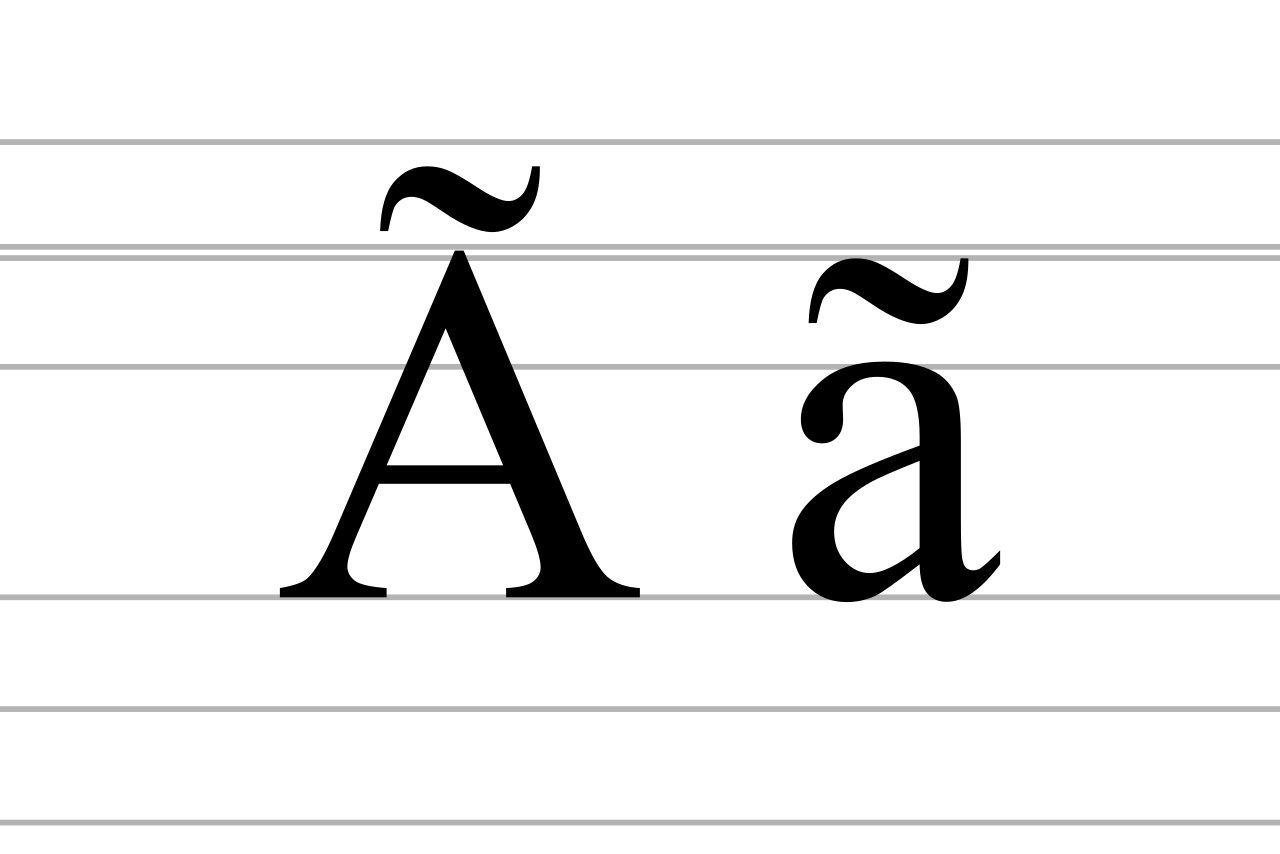
\u00C3instead of Ã). Without proper decoding, these remain unreadable. - Broken Copy/Paste: Text copied from a webpage might include smart quotes or special characters that don't translate correctly when pasted into a plain text editor or an application that uses a different default encoding.
- Legacy Systems: Integrating with older systems that predate widespread Unicode adoption often introduces conflicts when handling modern characters, symbols, or emoji.
- Development Environment Configuration: Incorrectly configured terminal emulators, IDEs, or source code editors can display or save characters incorrectly.
Developers need a robust method to verify what a string actually contains at the byte level versus what it appears to contain. This verification is crucial before using the string in code, storing it in a database, sending it through an API, or displaying it to users.
Unpacking the Power of an Advanced Unicode Converter
An advanced Unicode text converter is more than just a simple character encoder; it's a diagnostic workbench for character issues. It allows developers to perform practical encoding work, offering a comprehensive view of how text is represented across different standards. Here's what makes a converter essential:
- Bidirectional Conversion: The ability to seamlessly convert readable text into its underlying Unicode values (code points, hex values) and, critically, convert those values back into human-readable characters. This is the cornerstone of debugging.
- Multi-Encoding Inspection: It provides immediate insight into how the same content is represented in various UTF standards: UTF-8, UTF-16, and UTF-32. This is vital for cross-platform and internationalization efforts, helping you understand byte sequences and code unit forms.
- Handling Escapes and References: The tool should enable the review and conversion of percent escapes (like those found in URLs) and numeric character references (common in HTML entities) without needing external lookups.
- Debugging Multilingual Content: It facilitates comparing how multilingual text, diverse symbols, and emoji behave across different encodings. This feature is particularly useful for global applications.
- Troubleshooting Corrupted Data: From debugging broken copy/paste operations to inspecting escaped payloads or mixed-format input, these tools shine when you need to answer questions like: "Is this really the character I think it is?" or "Did the system store text, code points, or encoded bytes?"
By offering a unified workflow for visible text, code points, and encoded forms, an effective Unicode converter streamlines the identification and resolution of tricky character problems. For a deeper dive into specific conversion methods, check out our guide on Unicode to Text Conversion: Verify UTF-8, UTF-16 & Debug Escaped Data.
Practical Applications: When and How Developers Use These Tools
The utility of a Unicode converter extends across almost every facet of software development. It's not just for specialized internationalization engineers but for any developer dealing with data input, output, or storage. Here are common scenarios where these tools become invaluable:
- API Development & Integration: When receiving JSON payloads or XML responses from APIs, developers frequently encounter escaped Unicode characters. A converter helps them quickly de-escape and verify the real characters, ensuring data integrity before processing. This is crucial for handling complex data that might contain non-ASCII characters, symbols, or even user-submitted content like the Japanese phrase 'センムツ ムケット'.
- Database Debugging: If characters are appearing incorrectly after being retrieved from a database, a converter can help determine if the issue is with the storage encoding (e.g., table collation) or the application's interpretation. You can paste the raw bytes or the problematic character to see its true form.
- Log File Analysis: Corrupted characters in log files can obscure critical information. Developers can paste problematic log entries into the converter to reveal the underlying characters and diagnose the encoding mismatch.
- Web Development (HTML & CSS): For front-end developers, ensuring that HTML entities, special characters, and multilingual text display correctly across browsers and devices is a constant battle. A converter helps move seamlessly between HTML entities, Unicode values, and plain text during cleanup or content migration.
- Content Management & Localization: Content teams often need to confirm whether text is being preserved correctly across different languages and platforms. Developers can use the converter to validate localized strings before deployment, preventing visual errors.
- Security Audits: Understanding how user input containing unusual characters or escape sequences is handled can be critical for identifying potential injection vulnerabilities.
- QA and Support Workflows: Support and QA teams can use these tools to quickly check what was actually stored versus what was displayed, providing clear evidence for bug reports.
Beyond these, developers frequently leverage a converter for fast "unicode to character" tasks when debugging strings directly in code. It's a quick way to inspect a variable's content without having to write temporary parsing scripts.
Mastering Your Converter: Tips for Effective Debugging
To maximize the utility of your Unicode converter, adopt a systematic approach to debugging:
- Start with the Source: Always paste the exact source text, character values, or Unicode-formatted content directly into the converter's editor. Avoid re-typing, as this can introduce new errors.
- Review All Outputs: Don't just look for the human-readable text. Scrutinize the converted output for code points, hex values, and the various UTF representations (UTF-8, UTF-16, UTF-32). Often, the byte sequence reveals the encoding mismatch.
- Cross-Reference Expectations: Compare the converter's output with what you expect the character or byte sequence to be. This comparison is key to identifying discrepancies. If you know a character should be 'é' (U+00E9), but you see 'é' (U+00C3 U+00A9) as UTF-8 bytes decoded as Latin-1, you've found your problem.
- Validate Web-Facing Text: If you're validating text for a web application, compare the visible result in the converter with the encoded result (e.g., percent escapes for URLs, HTML entities for markup) before copying it into your application.
- Narrow Down UTF-Specific Checks: For issues specific to a particular UTF encoding, confirm the byte or code unit form. For instance, if you suspect a UTF-8 specific issue, focus on the byte sequences displayed for UTF-8.
- Perform a Round-Trip Sanity Check: This is perhaps the most critical tip. Convert your text to Unicode or a specific UTF output, then immediately convert that output back to text. If the returned text is not identical to the original, you've identified a conversion problem – usually not with "Unicode" itself, but with a specific encoding assumption or conversion process. This round-trip validation confirms the integrity of your character handling.
Remember, character encoding isn't inherently complex, but managing the interactions between different systems and their encoding expectations can be. A powerful Unicode converter simplifies this by giving you a clear window into the actual data. For a comprehensive guide to resolving these issues, read our article on Fix Text Encoding Errors: The Ultimate Unicode Converter Guide.
Conclusion
For modern developers, an essential Unicode converter is a non-negotiable tool in their debugging arsenal. It transforms the abstract problem of "garbled text" into a concrete, solvable challenge by providing granular insight into character representations. By enabling quick verification of text, code points, and various UTF encodings, these tools empower developers to confidently handle multilingual data, resolve frustrating display issues, and prevent data corruption. Investing in a systematic approach to character debugging, spearheaded by a reliable Unicode converter, ensures that your applications are robust, globally ready, and free from the dreaded mojibake.